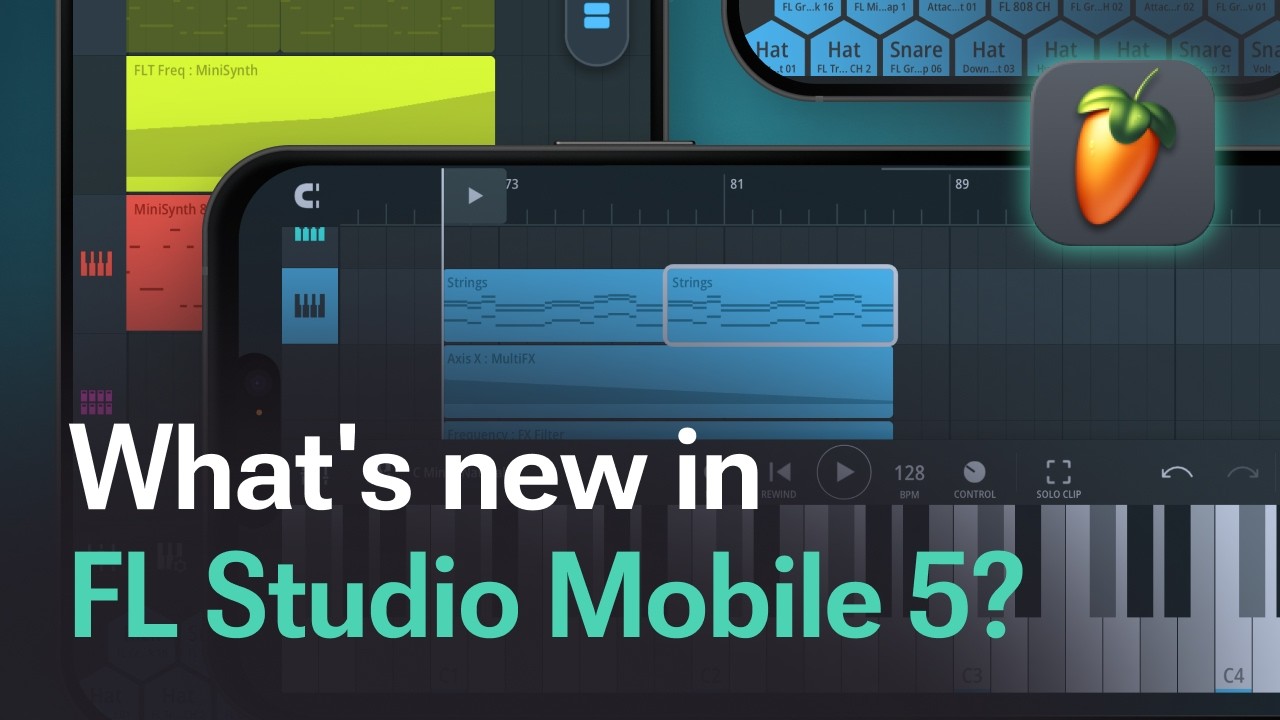
Free for everyone who owns the app, thanks to Lifetime Free Updates.
FL Cloud Sounds, right in the app

Open the Sounds tab and start digging. Every user now gets thousands of free FL Cloud Sounds on top of what’s already in the app, no account needed.
Want more? An FL Cloud plan unlocks over two million sounds, the same library as on desktop, with search by genre, tags, and curated collections, and no credits to count. Previews stream, so browsing won’t fill up your phone.
Start a free FL Cloud trial right in the app. Already on FL Cloud Plus or Pro? Just sign in and the full library is yours on mobile too.
Portrait mode. Finally

One of your most requested features. FL Studio Mobile now turns with your phone, so you can make beats holding it the way you hold it all day. Prefer one view? Lock it in the settings.
A fresh new look

The Playlist, editors, Channel Rack, and transport bar are redesigned, cleaner, and easier to read. Zoom out to see your whole project at once, find split-screen editing faster, change UI scaling without a restart, and switch on the new reduced animations mode if you prefer things calm.
A faster workflow
- Drag and drop from the Browser, your file manager, or other apps. On Android, drag files out to other apps too
- Better mouse and keyboard support: spacebar stops previews, more shortcuts, tab navigation, and hover hints
- Paste preview: see where pasted notes and clips will land before you drop them
- Burn Notes to Track: turn Arpeggiator, Scale, Transpose, Note Echo, and Randomizer into real, editable notes
- Smart Solo: solo a channel and its sends come with it. Unsolo all resets every solo in one tap
- Preview drumsets before you load them, and add instrument presets right from the module picker
Get it now
FL Studio Mobile 5 is out now on the App Store and Google Play. Already have the app? Update for free.